
Interactive Maps& Camera Tours.
Find cameras by where they are, not by name. Live floor plans show every camera's status, and automatic tours rotate scenes across the control-room wall.
- Site and floor plans
- Camera pins coloured by status
- Live pop-out from any pin
- Automatic camera tours
Main Entrance · Head Office
- Motion
- Person
- Vehicle
- Event
Site & Floor Plans
Site cards with floors, cameras and online/offline counts.
Live Camera Pins
Pins coloured by status, with online, offline and warning filters.
Live Pop-out
Click a pin to open a live window that stays open across floors.
Camera Tours
Ordered scenes, each with its own layout, cameras and dwell time.
Map Editor
Place cameras on plans by drag and drop.
Maps & Camera Tours, up close.
A closer look at the console your security team uses every day.
Production Block · Ground floor
Cameras on this floor
Previewing scene 1 of 3 · 2 × 2 · 5s
Entrances & gates
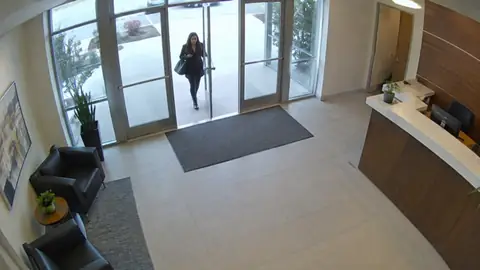 LiveProduction Entry
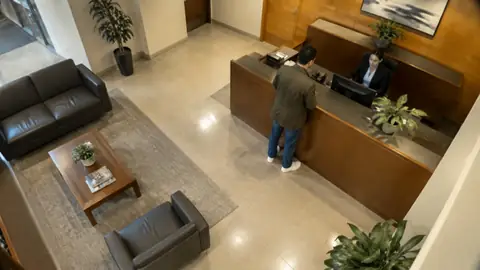 LiveReceptionLiveMain Gate
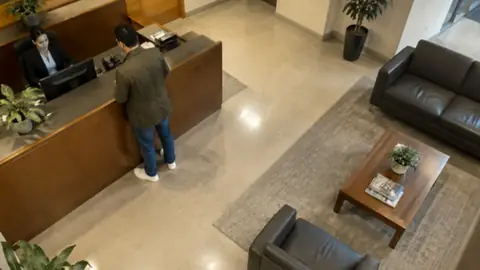 LiveMain Lobby
Full cycle: 20s · repeats until stopped
PTZ cameras are never moved by tours, so an operator's live PTZ control is never disturbed.
Tour scenes
Edit: Entrances & gates
Layout
Dwell time
Cameras
4 / 4 slotsTip: double-click an NVR name to add all its cameras to the scene.
More in Maps & Camera Tours
BOSS VMS
Explore more capabilities
See Maps & Camera Tours in BOSS VMS
Book a guided walkthrough tailored to your workforce and premises. We'll show you exactly how it fits your workflows.